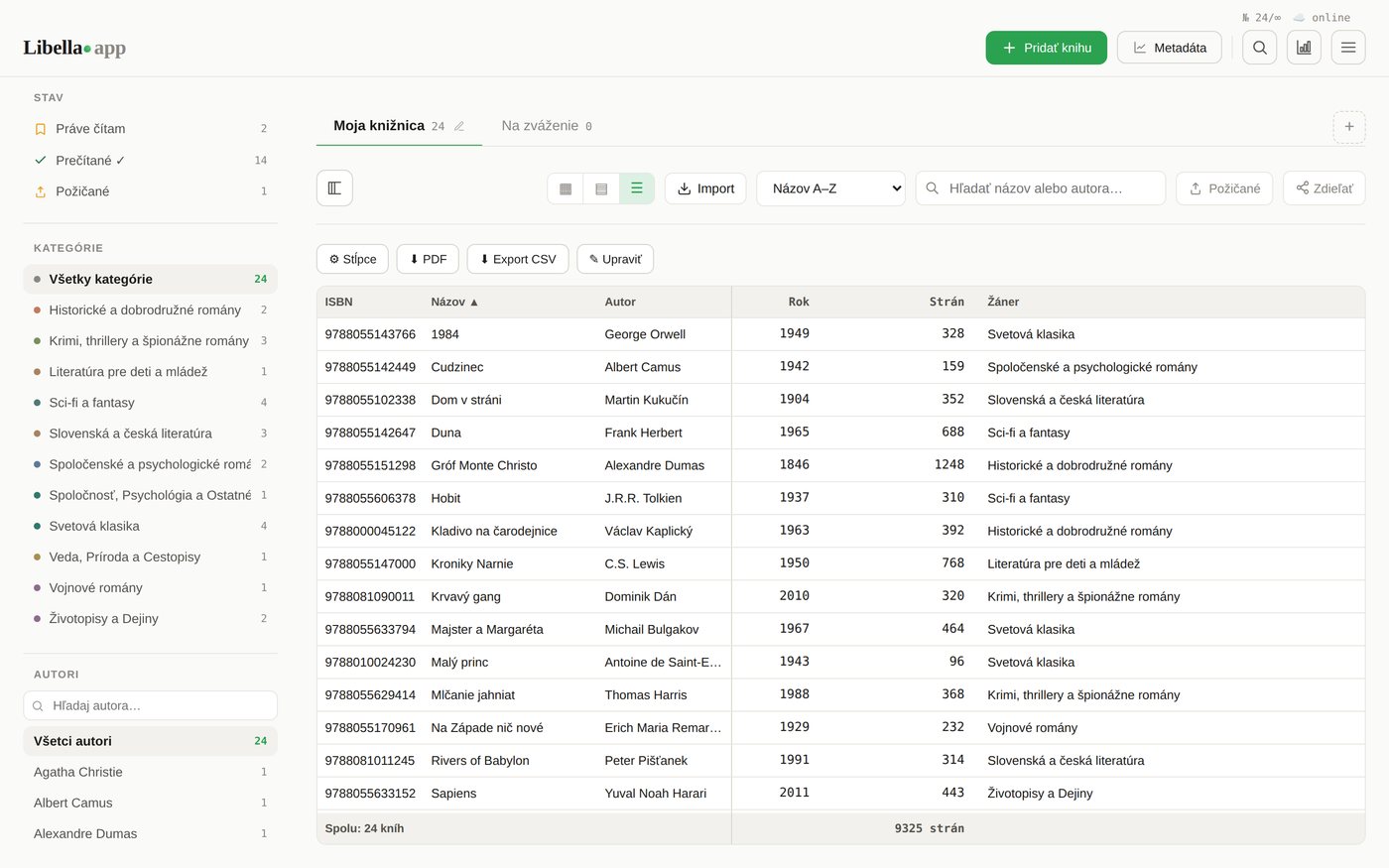
Goodreads and a home library catalogue look similar at first glance: both are lists of books with covers. But they answer different questions, and choosing the wrong tool is the main reason people give up on keeping track of their books.
Two different questions
| Reading tracker (e.g. Goodreads) | Home library catalogue | |
|---|---|---|
| Main question | What have I read, and what should I read next? | What do I own, and where is it? |
| Built around | Ratings, reviews, friends, recommendations | Your physical copies: edition, shelf, who borrowed it |
| Typical entry | "The Hobbit" (any edition) | "The Hobbit, Allen & Unwin, 1966, living room, lent to Anna" |
| Social? | Yes, that is the point | Private by default |
Goodreads is a social reading network, and a good one. You log what you read, rate it, follow friends and get recommendations. You can mark books as owned, but the whole experience is organised around reading, not around the physical books on your shelves.
A catalogue is the opposite. It does not care whether you have read a book. It cares that you have a specific copy, which edition it is, where it lives and whether it is currently at your neighbour's house.
When you need a catalogue
- You keep buying duplicates. You need to check "do I own this?" in a bookshop, in five seconds.
- You lend books. You want to know who has what, and since when.
- You have older or foreign editions. Reading trackers mostly know current, popular editions. A catalogue should know your 1970s paperback too.
- You are moving, insuring your home, or inheriting a collection. You need a list of what physically exists.
- You simply want to see your library: by shelf, by room, by author, cover by cover.
If none of these apply and you mostly want to track your reading, a reading tracker is the right tool. Many people use both: a tracker for reading, a catalogue for owning.
Moving your books from Goodreads to a catalogue
If your Goodreads shelves already contain the books you own, you do not have to start from zero. Goodreads lets you export your library as a CSV file (My Books → Import and export → Export library). Most catalogue apps can import that file.
- Export your library from Goodreads as CSV.
- Import the file into your catalogue.
- Remove the books you have read but do not own (library loans, e-books you no longer have).
- Walk past your shelves and add what is missing. Photographing a shelf or scanning barcodes is much faster than typing.
How Libella fits in
Libella is a home library catalogue, not a social network. Nobody follows you, nothing is public unless you share it, and it does not recommend books. What it does:
- Imports your Goodreads export (or any CSV), so your owned books come with you.
- Adds the rest fast: scan the ISBN barcode, photograph a whole shelf and let the AI read the spines, or photograph the copyright page of older books.
- Knows older and local editions, because it looks books up in national library catalogues across Europe and the US, plus Open Library and Google Books.
- Warns you about duplicates when you add a book you already have.
- Tracks loans: mark a book as lent, see who has it, send a WhatsApp reminder.
It runs in the browser on your phone and computer. The first 100 books are free, forever; above that it costs €2.99 a month or €29 once.
The short answer
Track your reading in a reading app. Track your books in a catalogue. If the question you keep asking is "do I already own this?", you need the second one.